
Greene County VINE Arrest Coverage
VINE is short for Victim Information and Notification Everyday. Ohio runs the service for participating county jails plus two state agencies, the Department of Rehabilitation and Correction and the Department of Youth Services. Greene County takes part. The sheriff roster itself shows it. Current inmate cards on the official page carry a “Notify Me of Status Change” link that opens a VINELink person record.
That connection does one job. VINELink reports custody status from a participating agency and accepts requests for notices about certain custody events. It is not a roster of everyone arrested in Greene County. It is not a court record either. A city citation may never create a jail entry at all. Treat it as a custody tracker, nothing more.
Check a Greene County Arrest
Start with the sheriff roster. That page gives the strongest local bridge, since its notification link opens the person-specific VINE path. A direct VINELink search also works when you know the source and identity details. Enter enough to separate people who share a name.
- Open the Greene County Sheriff inmate search and enter a surname or identifying text in the general search field.
- Compare the returned name cards carefully. Open “View Charges” only to confirm that the card concerns the expected custody event.
- Select “Notify Me of Status Change” on the matching card, or open VINELink and choose Ohio.
- Select the Greene County jail or another correct participating source. Search by the name or identifier requested by the live interface.
- Review more than the name. Compare the facility, custody status, and any identifier before registering for notices.
The VINELink interface is dynamic. Search routes may change once Ohio and the custody source are picked. Never treat a Greene County booking number as an ODRC number. Confirm only what the live record says. If several names match, go back to the sheriff card or call the jail. Do not attach alerts to an uncertain identity. The official VINELink search page is where each lookup begins.
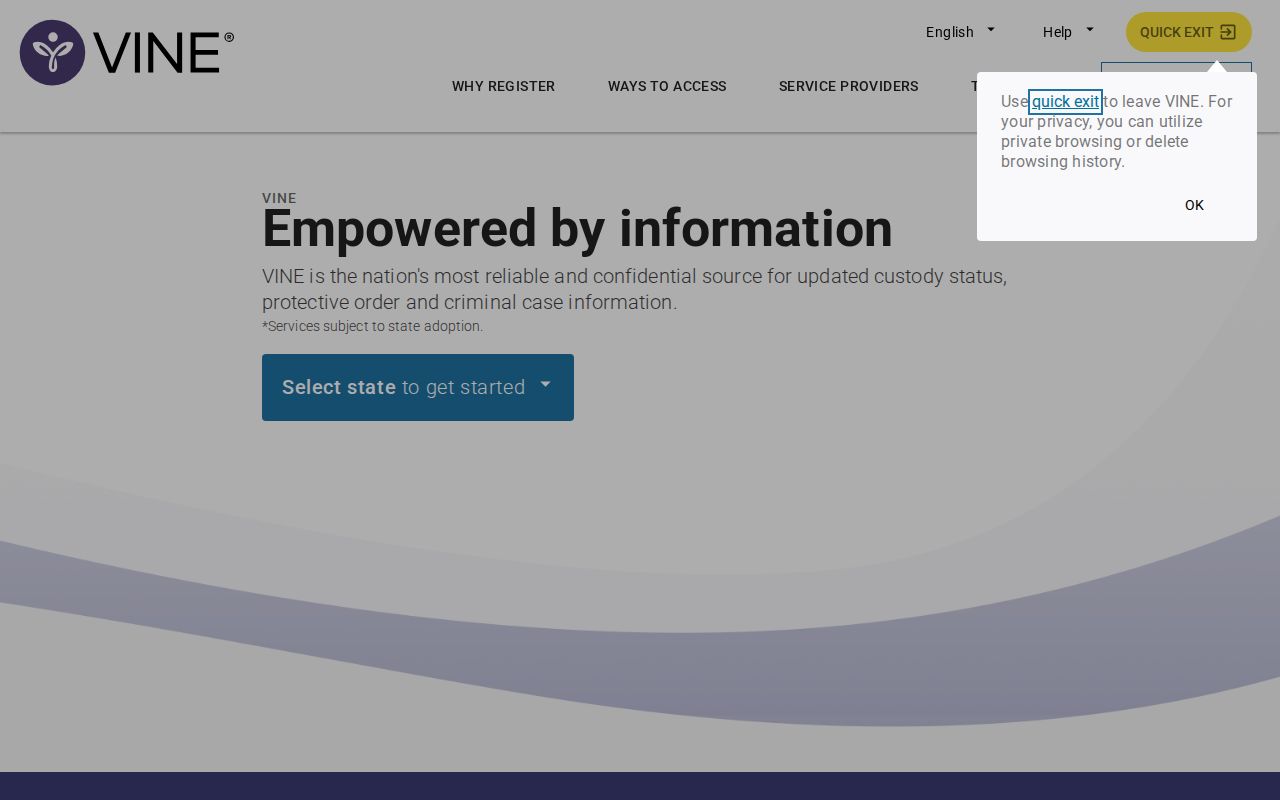
The search screen is only the entry point. You still must match Greene County custody to the right person and the right supplying agency.
What a VINE Arrest Result Shows
A result shows only what the custody source sent. Exact fields vary, so no item is guaranteed on every record. Read the status and facility as a current snapshot. An absent photograph does not mean none was taken, and a status update is not the case result.
| Result item | How to read it |
|---|---|
| Name or identity label | Use it with another available detail; a name alone can produce a false match. |
| Custody status | Shows the participating system's current reported state, subject to transmission delay. |
| Facility or agency | Identifies which jail or corrections source supplied the record. |
| Offender or record identifier | Helps separate similar names, but numbering systems differ between county and state custody. |
| Notification option | Starts registration for the event types offered on that live record. |
A release notice means the system reported a release event. It does not say the charge was dropped. A transfer can move the person to another facility. The next source may use a different identifier. Escape and death notices are also among Ohio's general VINE event types in official material. ODRC records may add state-custody events, including parole changes.
Note: The event set depends on the agency and live record; register only for options the current VINE interface actually offers.
Register for Ohio VINE Alerts
Searching and registering are separate steps. A one-time lookup creates no alert. The Ohio Attorney General VINE brochure lists web and mobile access, a statewide line at (800) 770-0192, and TTY access at (866) 847-1298. Representatives answer around the clock.
- Open the verified person record and select the registration or notification option for that custody source.
- Choose a phone number or email address. More than one phone number or email may be added.
- For phone registration, create a four-digit PIN. Email registration does not use that phone PIN.
- Avoid a switchboard number because automated calls need to reach the registrant and accept PIN entry.
- Answer the automated call and enter the PIN as instructed. The brochure says calls may continue for up to 48 hours or until the PIN is entered, depending on the event and channel.
A PIN confirms a phone notice. It is not a jail PIN, a case number, or an identity credential. Keep registration details private and current. If a phone number or email changes, update the live service. That way notices stop reaching the old destination. The VINELink person-detail registration route shows where this sign-up begins.
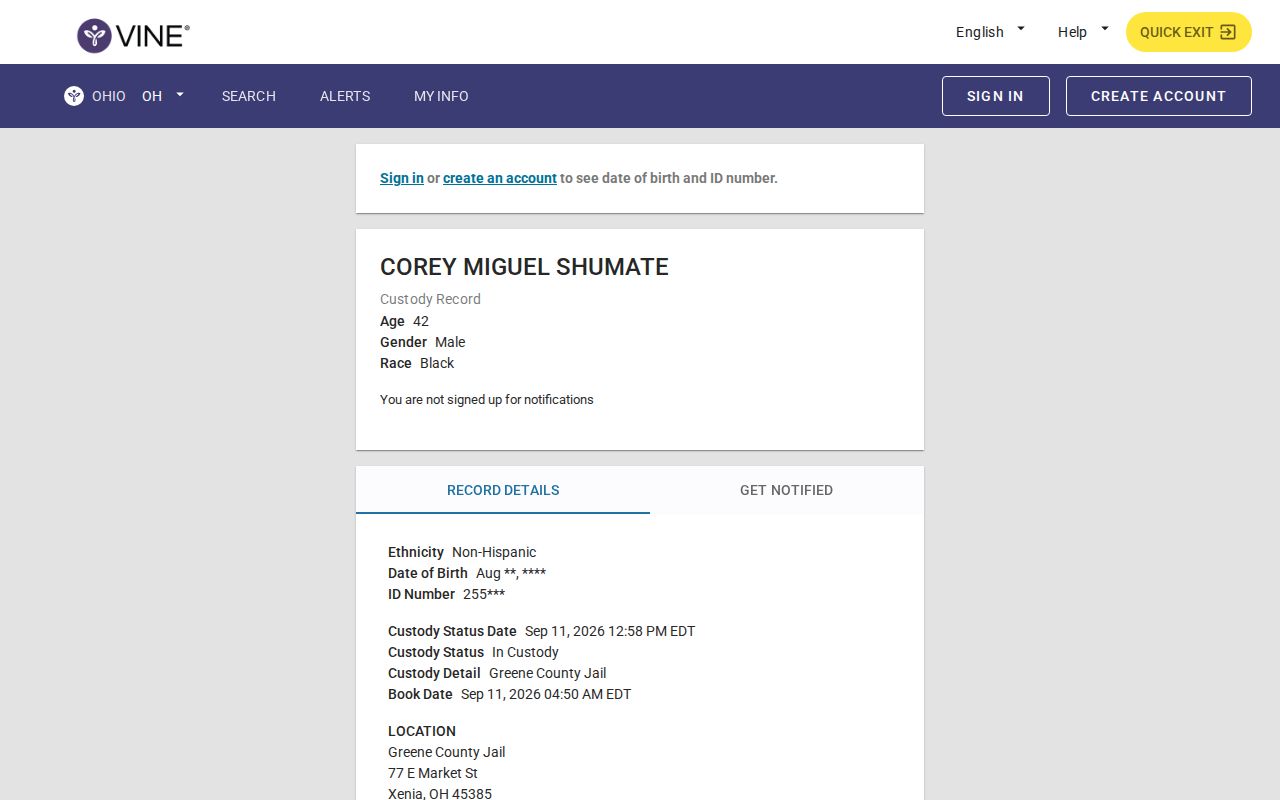
The person-detail route shows where registration starts. Its dynamic URL should not be reused as a permanent link for someone else.
VINE Versus Greene Sheriff Alerts
Greene County also offers an official sheriff app and a Nixle presence. Their jobs differ from VINE's. The Greene County Sheriffs Office (OH) app is an official OCV mobile channel. Treat it as an agency channel. It is not a booking archive, a faster roster, or a photo source for every intake. Verify custody on the web roster.
The sheriff's Nixle profile posts advisories and takes tips. Enrollment works by ZIP code. Tips go through the anonymous web form or the text route TIP GCSO2900 to 888777. It does not track one person's release or transfer. Nixle is not a feed of every Greene County arrest, just broad public safety notices.
The official Greene County Sheriff Nixle page shows its current advisories.
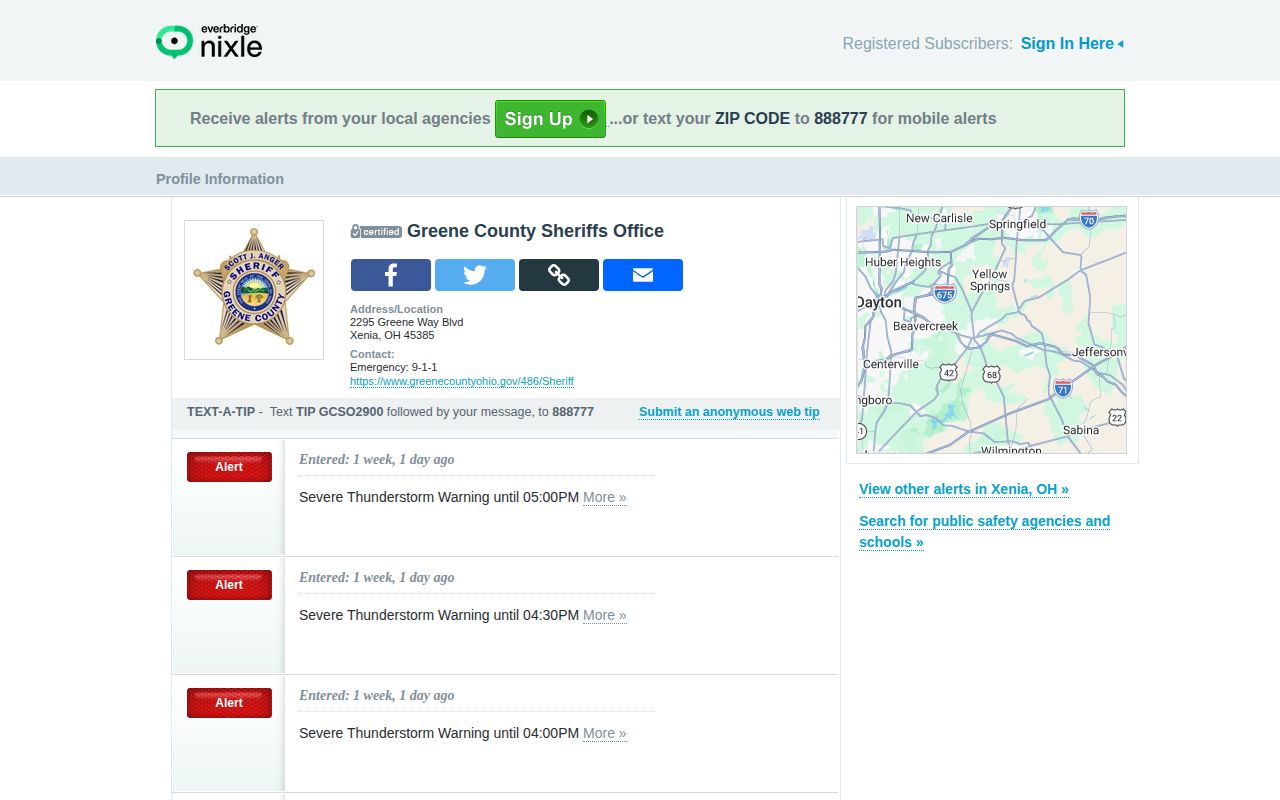
Nixle gives broad agency alerts; VINE tracks one person's custody.
VINE Arrest Check Limits
A blank result on VINE does not mean no arrest happened. That gap has many causes. A citation handled at the municipal level never becomes a county booking. An arrest processed in another county may sit outside the system. Some agencies simply do not feed their records in. Juvenile restrictions, transfer timing, and plain data lag hide results too. Greene County publishes no guaranteed VINE transmission time. A fresh arrest can appear on the sheriff roster before the notification service catches up.
Read the two tools side by side. Greene County roster cards show a name, a photo space when one is supplied, a charges action, and the notification link. The sheriff has promised neither a photo for every adult booking nor a limit on how long images stay up after release. VINE tracks status well. It just cannot fill every gap in a roster card. For an older booking, a missing photograph, or an exact intake record, ask the agency that holds the record. Do not treat the notification screen as a full archive.
One timing number deserves care. The older Miami Valley custody portal reported 30-minute updates for its Greene County Jail row. That figure applies to that current-custody portal alone. It is not a promise that VINELink posts a booking or sends an alert within half an hour. For a time-sensitive question, use the Greene County arrested-today process. Call the sheriff's main line at (937) 562-4800.
Federal Custody Needs Another Locator
Ohio VINE stops at the county line. It is not a federal custody service. The Federal Bureau of Prisons locator, U.S. Marshals custody contacts, and the ICE detainee locator each cover separate ground. When a Greene County record shows a federal hold or transfer, follow the named agency. A county roster entry can close once the person leaves local custody, even while detention continues somewhere else.
Custody tools answer a different question than courts do. VINE can report movement or release from a participating source. It cannot say whether a charge led to conviction. For booking records, photo availability, and official county channels, use the Greene County recent arrests hub. A legal outcome lives in the right municipal or county court docket.
Note: A roster removal, VINE transfer notice, and court disposition are three separate events and should never be treated as interchangeable.